How to Start Using a 3D Printer: A Beginner’s Guide (Benefits, Challenges & Best Printers)
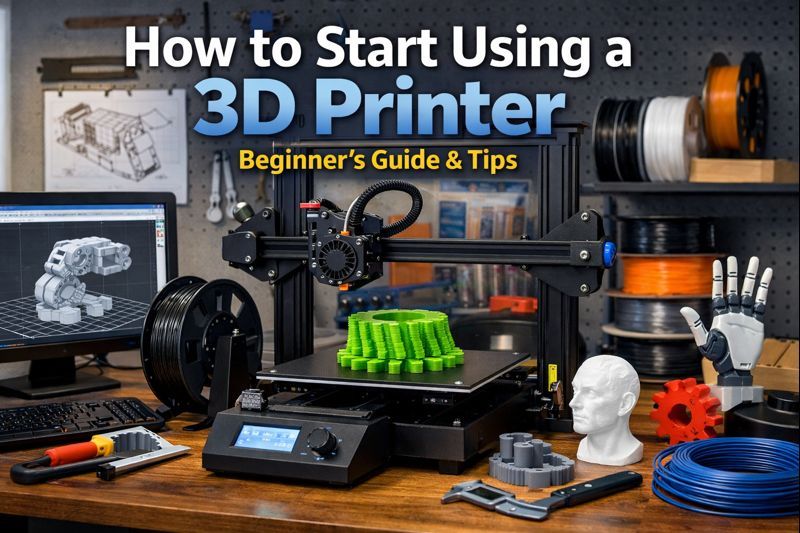
3D printing is no longer limited to engineers or industrial labs. Today, hobbyists, startups, designers, and small businesses use 3D printers to create prototypes, functional parts, and custom objects.
This beginner-friendly tutorial explains how to start using a 3D printer, what benefits and challenges to expect, and how to choose the right printer based on your budget.
What Is 3D Printing and How Does It Work?
3D printing, also known as additive manufacturing, is the process of creating physical objects from digital 3D models by building them layer by layer.
The most common technology for beginners is FDM (Fused Deposition Modeling):
Create or download a 3D model (usually an STL file)
Use slicing software to generate printer instructions
The printer melts plastic filament
The object is printed layer by layer
This method is widely used for prototyping, enclosures, brackets, tools, and functional parts.
Benefits of Using a 3D Printer
Rapid Prototyping
Turn ideas into physical objects in hours instead of weeks.
Cost-Effective for Small Batches
Ideal for one-off parts and short production runs.
Customization and Design Freedom
Every print can be different without additional cost.
Wide Material Selection
PLA, PETG, ABS, Nylon, and technical filaments allow different strength and flexibility options.
Challenges Beginners Should Expect
Learning Curve
Understanding bed leveling, temperatures, slicing settings, and material behavior takes time.
Failed Prints
Warping, poor adhesion, stringing, and layer shifting are common early issues.
Maintenance
Nozzles clog, beds need calibration, and parts wear out.
What You Need to Start 3D Printing
A 3D printer
Filament (PLA recommended for beginners)
Slicing software
3D models
Basic tools (spatula, pliers, calipers)
Choosing a 3D Printer by Budget
Budget 3D Printers (Beginner Level)
Price range: €200–€400
Best for: hobbyists, students, first-time users
Manual calibration
Open-frame design
Good learning platforms with large communities
Mid-Range 3D Printers (Advanced Hobby / Small Business)
Price range: €500–€1,000
Best for: designers, startups, small production
Auto bed leveling
Better reliability and speed
Support for multiple materials
Premium 3D Printers (Professional Use)
Price range: €1,500+
Best for: engineering, professional prototyping
Fully enclosed systems
High precision and consistency
Advanced material compatibility
Buy a 3D Printer or Use a 3D Printing Service?
Ask yourself:
How often will I print?
Do I have time for learning and maintenance?
Are my parts functional or visual?
For occasional or complex projects, professional 3D printing services are often more efficient and cost-effective.
Final Thoughts
3D printing is powerful and accessible, but success depends on realistic expectations, proper materials, and correct settings. Whether you print in-house or outsource, understanding the process is the key first step.
Tags
3D printing beginner guide
how to use a 3D printer
3D printer for beginners
3D printing tutorial
FDM 3D printing
best 3D printers